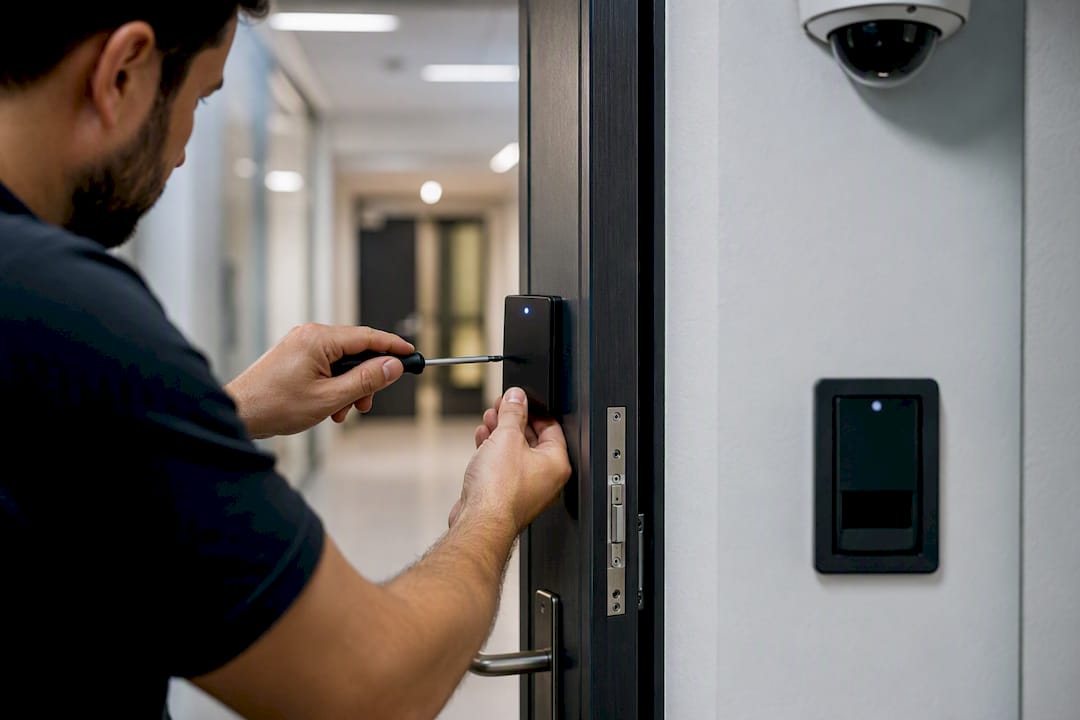
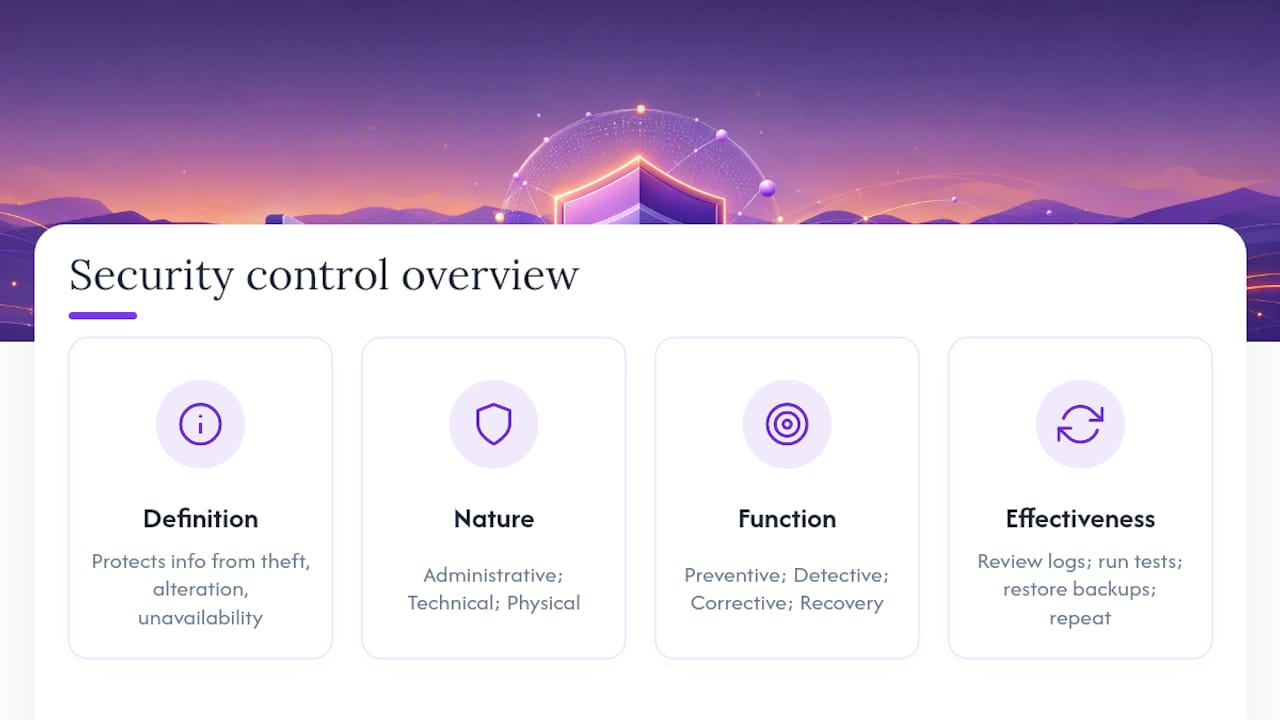
A security control is any safeguard, tool, policy, or physical barrier an organization uses to protect the confidentiality, integrity, and availability of its information. That’s the whole idea. It’s a countermeasure against something that could go wrong: theft, corruption, or downtime.
Here’s the two-axis trick that makes controls click. Every control has a nature (how it’s built) and a function (what it does). A firewall, for instance, is technical by nature and preventive by function. It blocks bad traffic before it reaches your network.
- Nature: administrative, technical, or physical
- Function: preventive, detective, corrective, deterrent, recovery, or compensating
Key Takeaways
A security control is a safeguard mapped along two axes, nature and function, and gaps show up fastest when you plot your controls on a matrix instead of a list.
| Point | Details |
|---|---|
| Definition first | A control is any safeguard protecting confidentiality, integrity, or availability, nothing more mysterious than that. |
| Two axes matter | Classify every control by nature (administrative, technical, physical) and function (preventive, detective, corrective, deterrent, recovery, compensating). |
| Recovery gets skipped | Most teams over-invest in preventive technical controls and neglect detective and recovery functions entirely. |
| Untested controls don’t count | A control only works if it’s been checked through logs, audits, or simulated attacks on a set schedule. |
| Budgeting the gaps | Ismscalculator’s readiness check and assessment tools translate a control gap into a cost and timeline estimate for ISO 27001 planning. |
Table of Contents
- Why Security Controls Exist in the First Place
- How to Think About Controls: Nature vs. Function
- Real Examples of Controls, Mapped to Both Axes
- Where to Find Control Catalogs and How to Choose Controls
- How Do You Know a Control Is Actually Working?
- Common Mistakes and a Quick Checklist
- A One-Page Matrix You Can Build Today
- Plan and Budget Your Controls Without the Guesswork
- Where to Read Next
- Frequently Asked Questions
- Sources
Why Security Controls Exist in the First Place
Controls exist to do three things: cut the odds of an incident happening, shrink the damage if one does, and speed up recovery when it’s over. That’s it. No single control does all three, which is why organizations layer them.
Skip a category and you feel it. A company with strong firewalls but no backup process might survive a hundred blocked intrusions, then lose everything to one successful ransomware attack because recovery was never planned for.
Controls typically reduce:
- Data loss from breaches or accidental deletion
- Downtime from outages or attacks
- Fraud from unauthorized access or manipulated records
- Regulatory fines tied to weak oversight
How to Think About Controls: Nature vs. Function
Security professionals sort controls two ways, and understanding both is what separates a real grasp of the topic from a fuzzy one.
By nature, controls fall into three buckets. Administrative controls are policies and processes, like a password policy or a background-check procedure. Technical controls are software or hardware, like encryption or multi-factor authentication. Physical controls are tangible barriers, like a locked door or a security badge reader.
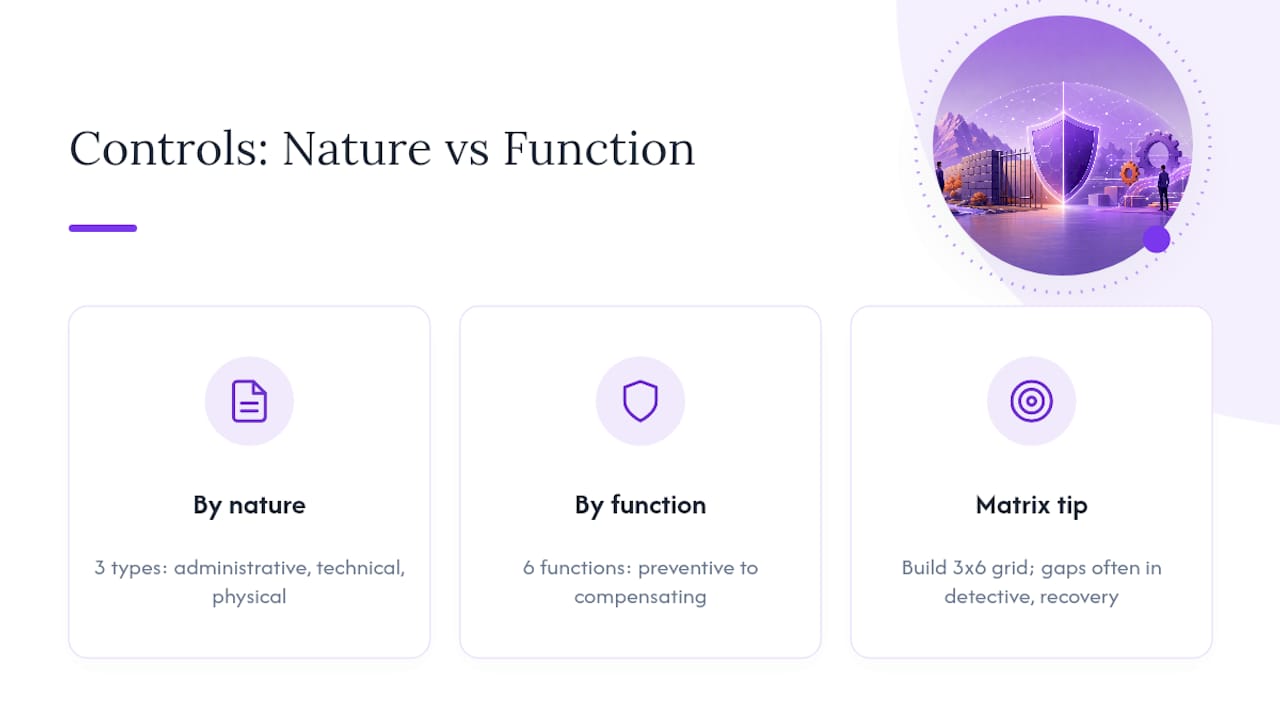
By function, controls do one of six jobs: preventive (stop an incident), detective (spot one happening), corrective (fix damage), deterrent (discourage bad actors), recovery (restore normal operations), or compensating (a workaround when the ideal control isn’t feasible).
Put those two lists into a grid and you get the function-by-type matrix, a practical way to map controls and spot where you’re exposed.
Pro Tip: Build a simple 3x6 grid, natures across the top, functions down the side, and drop your existing controls into their cells. Empty rows almost always show up in the detective or recovery functions, because most teams over-invest in prevention and never test what happens after something slips through.
Real Examples of Controls, Mapped to Both Axes
Seeing controls sorted by nature makes the abstract concrete. Here’s how the mapping actually plays out.
Technical controls:
- Firewall: technical + preventive
- Encryption: technical + preventive
- Intrusion detection system: technical + detective
- Automated backup restore: technical + recovery
- Antivirus quarantine: technical + corrective
Administrative controls:
- Security policy document: administrative + preventive
- Access-review process: administrative + detective
- Incident response plan: administrative + corrective
- Employee security-awareness training: administrative + deterrent
- Vendor risk assessment: administrative + preventive
Physical controls:
- Locked server cage: physical + preventive
- CCTV monitoring: physical + detective
- Badge-controlled entry: physical + preventive
- Fire suppression system: physical + corrective
- Security guard patrol: physical + deterrent
A mini-case makes the payoff obvious. Picture a mid-size company with solid technical prevention: a firewall, endpoint encryption, and MFA on every account. An employee’s laptop still gets phished. Without a detective control like login-anomaly alerts, the attacker sits inside the network for weeks. Add an administrative access-review process that flags unusual login times, and the same breach gets caught in hours instead of months. No single control stopped the attack. The combination did, and it’s why security teams talk about controls, not “the control” — a single safeguard is rarely the whole story. If you’re mapping controls for a specific sector, finance-specific control guidance shows how this plays out under stricter compliance pressure.
Where to Find Control Catalogs and How to Choose Controls
You don’t have to invent controls from scratch. Established catalogs already list hundreds of them, tested and organized. The two most referenced are NIST SP 800-53, a consolidated federal catalog of security and privacy controls, and the CIS Controls, a prioritized, more digestible list built for practical adoption. The NIST Cybersecurity Framework and ISACA both offer complementary guidance on governance and control mapping.
Choosing controls well follows a logical order:
- Identify your assets and the risks that threaten them
- Set control objectives based on that risk picture
- Pick specific controls from a catalog like NIST SP 800-53 or CIS
- Adapt where needed, using compensating controls when the ideal option is too costly or technically out of reach
Skip step one and you get security theater: spending on controls that look impressive but don’t map to any real risk. NIST’s own guidance on Rev. 5 warns that controls chosen without objective alignment become costly and ineffective. A proper risk assessment is the step most teams try to shortcut, and it’s the one that determines whether everything downstream actually works.
How Do You Know a Control Is Actually Working?
A control that exists only in a policy document, never tested, isn’t really a control. It’s a wish. Assessment turns a paper promise into a working safeguard.
Common assessment methods include configuration checks, formal control testing, audits, and continuous log monitoring. To verify a control is doing its job, teams review access logs for anomalies, run simulated phishing or intrusion attempts, and periodically test backup restores rather than just confirming backups ran.
- Who owns testing: usually IT security or a compliance lead, not whoever happened to install the tool
- How often: critical controls monthly or quarterly; lower-risk controls annually
- What “working” looks like: a log entry, a restored file, a blocked attempt with a timestamp
Common Mistakes and a Quick Checklist
Three mistakes show up again and again. Teams buy tools before setting objectives, so the tool solves a problem nobody defined. Teams stack preventive controls while leaving detective and recovery functions nearly empty. And teams treat “installed” as the same thing as “working,” skipping testing entirely.
Run any control through this checklist before you trust it:
- Does it align to a clear objective?
- Has it been tested in the last review cycle?
- Does it have a named owner?
- Can its performance be measured?
- Is the cost appropriate to the risk it addresses?
- Would it hold up in an audit?
Red flags that a control is theater rather than substance: nobody can say what risk it addresses, it’s never been tested, or it exists purely because a checklist told someone to buy it.
A One-Page Matrix You Can Build Today
The function-by-type matrix from earlier isn’t just a teaching tool. It’s a working document. Rows are functions (preventive, detective, corrective, deterrent, recovery, compensating). Columns are natures (technical, administrative, physical). Drop every control you currently have into its cell.
A gap looks like this: a dense cluster in the technical/preventive cell, and nothing at all in administrative/detective or any/recovery. That pattern means you’re good at stopping known threats but blind to ones that get through, with no plan to bounce back.
- Mark each cell with what you have, then circle any row that’s empty across all three natures
- A finding worth acting on: no recovery-function controls anywhere means a single successful attack could be catastrophic, not just inconvenient
Pro Tip: Start with recovery. It’s the row teams skip most, and it’s the one that determines whether a bad day becomes a bad quarter.
A Practitioner’s View on Picking Controls That Actually Hold Up
Working through ISO 27001 projects tends to expose the same pattern: teams reach for tools before they’ve named the risk, then wonder why the audit finds gaps. The matrix approach forces the risk conversation first.
Plan and Budget Your Controls Without the Guesswork
Mapping controls on a matrix tells you what’s missing. It doesn’t tell you what filling those gaps will cost in time, budget, or headcount, and that’s usually where beginner-friendly guides stop short. A tool that connects your control gaps to an actual project plan, with timelines and cost estimates attached, turns the matrix from a diagnostic into a roadmap.
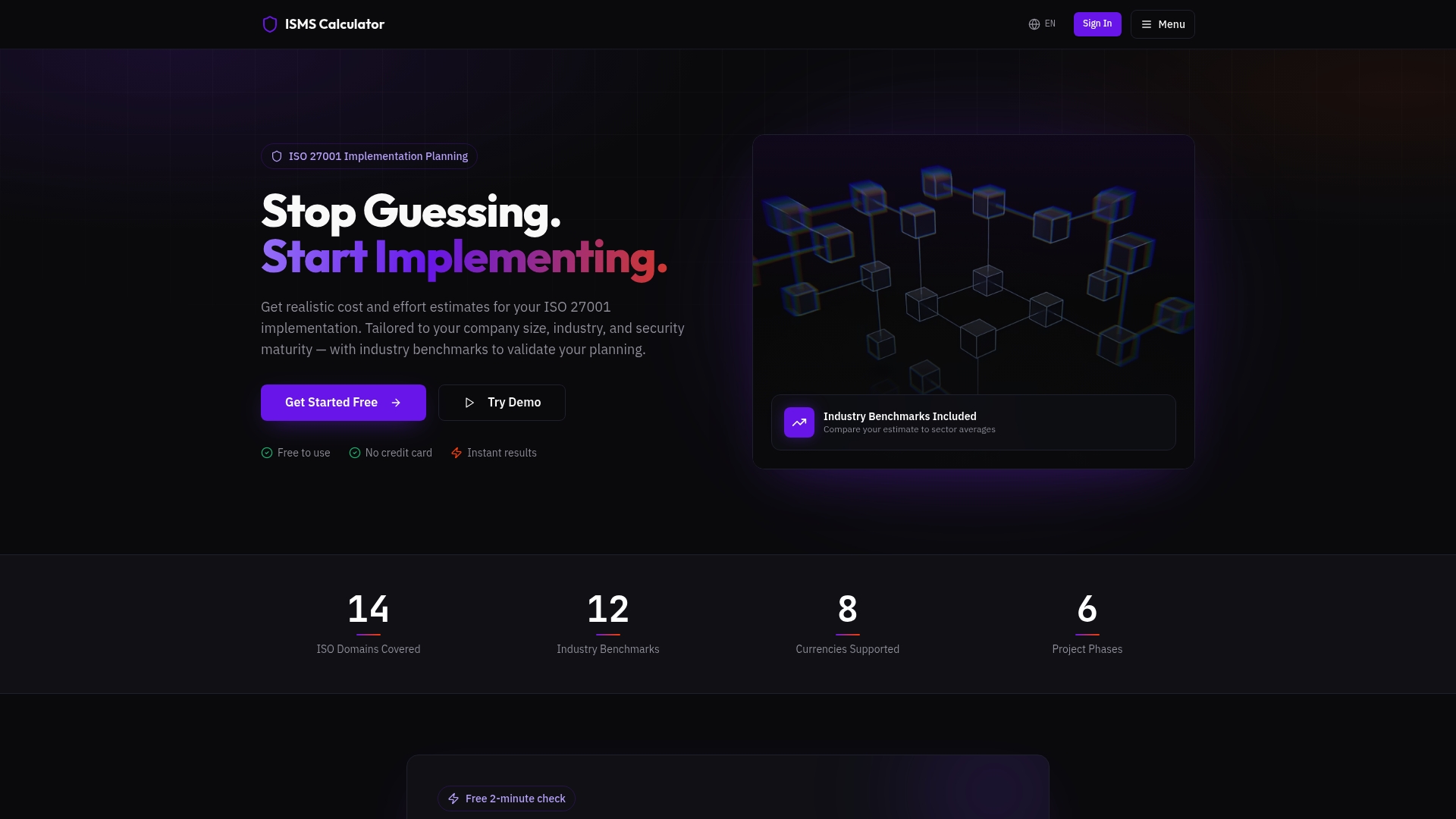
Ismscalculator’s free 2-minute readiness check walks you through where your current controls stand against ISO 27001’s the four Annex A control themes, then shows what closing the gaps would realistically cost based on your company size and industry. If you’re past the “just curious” stage and actually planning implementation, the full ISO 27001 readiness assessment builds out a Gantt-based project plan alongside the cost estimate, so you’re not guessing at either the scope or the budget. Start with the free check and see where you stand.
Where to Read Next
For readers who want to move past the basics, NIST SP 800-53 remains the most complete catalog of security and privacy controls available for free, organized by control family and risk category. The CIS Controls offer a shorter, more prioritized list better suited to teams just starting out. OWASP’s controls guidance explains how policy translates into concrete, testable safeguards, while AWS’s prescriptive guidance on control types offers one of the cleanest plain-language breakdowns of preventive, detective, and responsive categories available anywhere. If you’re comparing frameworks before committing to one, ISO 27001 vs. the NIST Cybersecurity Framework lays out how the two overlap and where they diverge. Use any of these alongside the function-by-type matrix, not instead of it.
Frequently Asked Questions
What is a security control, explained simply, in one sentence? It’s any safeguard, a tool, a policy, or a physical barrier, that protects information from being stolen, altered, or made unavailable.
What’s the difference between a security control and a security measure? None, really. “Security measure” is the everyday phrase; “security control” is the formal term used in frameworks like NIST SP 800-53 and ISO 27001. They describe the same thing.
What are the main types of security controls? By nature: administrative, technical, and physical. By function: preventive, detective, corrective, deterrent, recovery, and compensating. Most real controls fall into one nature and one or two functions.
Why do organizations need so many different controls instead of just a few strong ones? Because each function does a different job. Prevention stops known threats, detection catches what slips through, and recovery limits damage after the fact. Relying on prevention alone leaves you blind when it fails.
How do I know if a control is actually effective? Test it. Review access logs, run simulated attacks, restore a backup to confirm it works, and repeat that testing on a set schedule, not just once during setup.
Where should I start if I need to select controls for my organization? Start with a risk assessment to identify your actual threats, then pick controls from a catalog like NIST SP 800-53 or the CIS Controls that match those specific risks, rather than adopting a generic list.
Sources
- security control - Glossary | CSRC
- OWASP
- Center for Internet Security (CIS)
- AWS Prescriptive Guidance — Security control types